
Technology · React

React, for interfaces that carry real work.

We design, develop, integrate and evolve React interfaces for applications where people spend their working days: portals, business tools and customer spaces.
React logotype
ReactInterface library

What we do

Design, develop, integrate, evolve.

We work across the full life of the application, from initial framing to the changes that follow the release.

Design

Domain boundaries, interface contracts and architecture defined with your technical and business teams.

Development

Versioned code, automated tests, code reviews and continuous integration across separate environments.

Integration

Connection to the services, data and applications already in place, through documented interfaces.

Evolution

Upgrades, version bumps and new capabilities planned without interrupting the service.

Your concerns

The questions an organization asks before choosing.

Is a React interface accessible?
It can be, and nothing guarantees it by default. Accessibility is built into the components: semantic structure, keyboard navigation, focus management and announcements. It is a design criterion, not a final check.
How do you avoid piling up dependencies?
By limiting libraries to what is justified and building interface components rather than assembling kits. Every dependency added is a dependency to follow for the life of the product.
What about search visibility?
For an application behind authentication, the question does not arise. For public pages, server rendering is needed, and that is where a framework such as Next.js comes in rather than React alone.

In practice

A component system, not a collection of screens.

What sets a lasting interface apart is that the hundredth page is built as fast as the tenth, with the same quality.

  1. Inventory

    The needed components are identified from real journeys, not from a catalogue.

  2. Accessible components

    Semantics, keyboard and focus handled inside the component, once and for all.

  3. States

    Loading, empty, error and permission are designed alongside the nominal state.

  4. Data

    Exchanges with services are centralised, with explicit caching and error handling.

The states people forget to design

Loading
What the user sees while waiting, without layout shift.
Empty
What appears when there is nothing, and what to do next.
Error
What happens when the service fails, and how to retry.
Permission
What someone sees when they cannot perform an action.
Four states that decide perceived quality as much as the nominal one.

Integrations

An application connected to what you already use.

We start from your existing systems and the interfaces they expose. The exact scope is defined during framing: it depends on each system, not on the technology alone.

Data

  • Relational databases
  • Warehouses and reporting
  • Message queues
  • Caches and indexes

Services

  • Internal APIs
  • Third-party services
  • Authentication
  • Scheduled jobs

Business applications

  • CRM
  • ERP
  • Finance tools
  • Customer service tools

Runtime and quality

  • Continuous integration
  • Logging
  • Monitoring
  • Automated tests

The right fit?

What tips the decision towards React.

React is an interface library, not an architecture. The choice is judged on the nature of the interface to build.

Decision criteria

  • Many interactionsScreens where people manipulate data rather than read content.
  • ReuseMany screens sharing the same components and the same rules.
  • Talent poolA wide ecosystem that eases hiring and handover.
  • Progressive adoptionThe ability to introduce React into part of an existing system.

Counterparts to accept

  • Architecture to decideRouting, state and data are not provided: those choices are yours.
  • Accessibility not givenIt requires deliberate effort, component by component.
  • Bundle weightA rich application needs careful splitting to stay fast.
  • Ecosystem pacePractices move quickly; you have to choose what not to follow.

If the analysis shows another foundation serves your need better, we say so and point you to the right option.

Operations

What keeps the platform steady after launch.

Operations are not a contract separate from the project: they are prepared during design and continue at the pace you choose.

Environments

Separate development, staging and production, with the same deployment path every time.

Updates

Dependencies and versions tracked and tested before they are applied.

Security

Access management, logging and fixes applied according to their severity.

Backups and recovery

Verified backups and a documented restore procedure.

Monitoring

Availability, errors and response times watched, with a regular review.

Handover

Documentation and code handed to your organization, with no imposed dependency.

Use cases

What it actually looks like.

Three contexts where this approach changes daily life for teams. The interfaces shown are mockups made by our team to illustrate the point, not client projects.
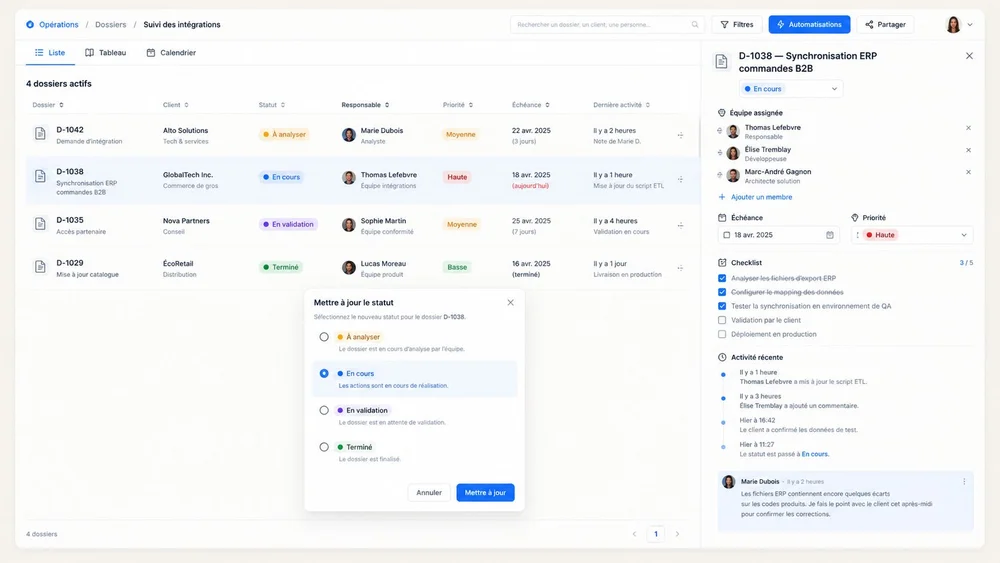
Illustrative mockup of a React business tool
Business tool

Screens used all day long

Dense interactions designed around how fast teams need to work.
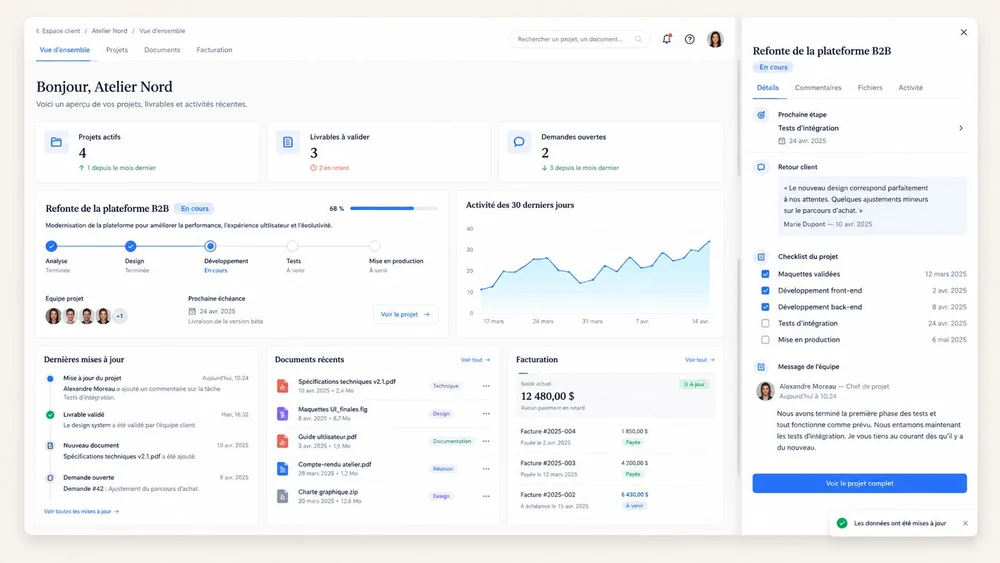
Illustrative mockup of a React customer space
Customer space

A personalised tracking view

Account-specific data loaded and updated without page reloads.
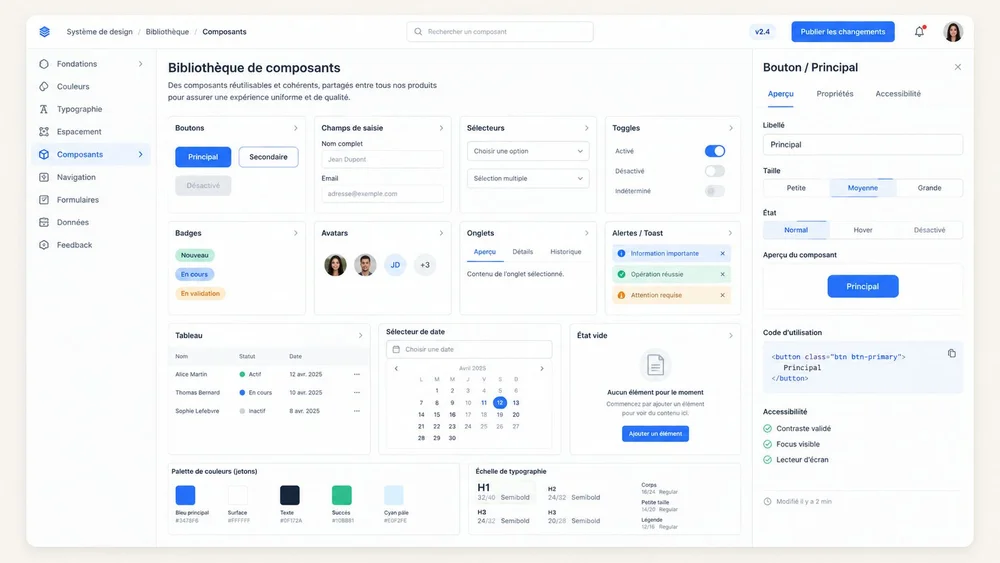
Illustrative mockup of a React design system
Design system

Components shared across products

A common library holding consistency across several applications.

Your project

Let’s talk about your next platform.

Share your objectives, technology environment, and constraints, and we will explore how to integrate the platform into your organization.

  • A precise need or one still to define
  • Architecture discussed before technology
  • Collaboration with internal teams

Describe your need

Fields marked with an asterisk are required.

Privacy and inquiry processing — The information entered is used only to prepare and respond to this inquiry, subject to applicable rules.